Markdown books as zoomable tile atlases
Turn folders of markdown — saved LLM conversations, book drafts, course notes — into a spatial reading experience: chapters as tiles, sections as tiles, click to zoom into a reading view with neighboring sections on side rails. Built for texts that are too big to scroll and too structured to flatten. Open source, MIT, no database.
Try it — the demo book, live
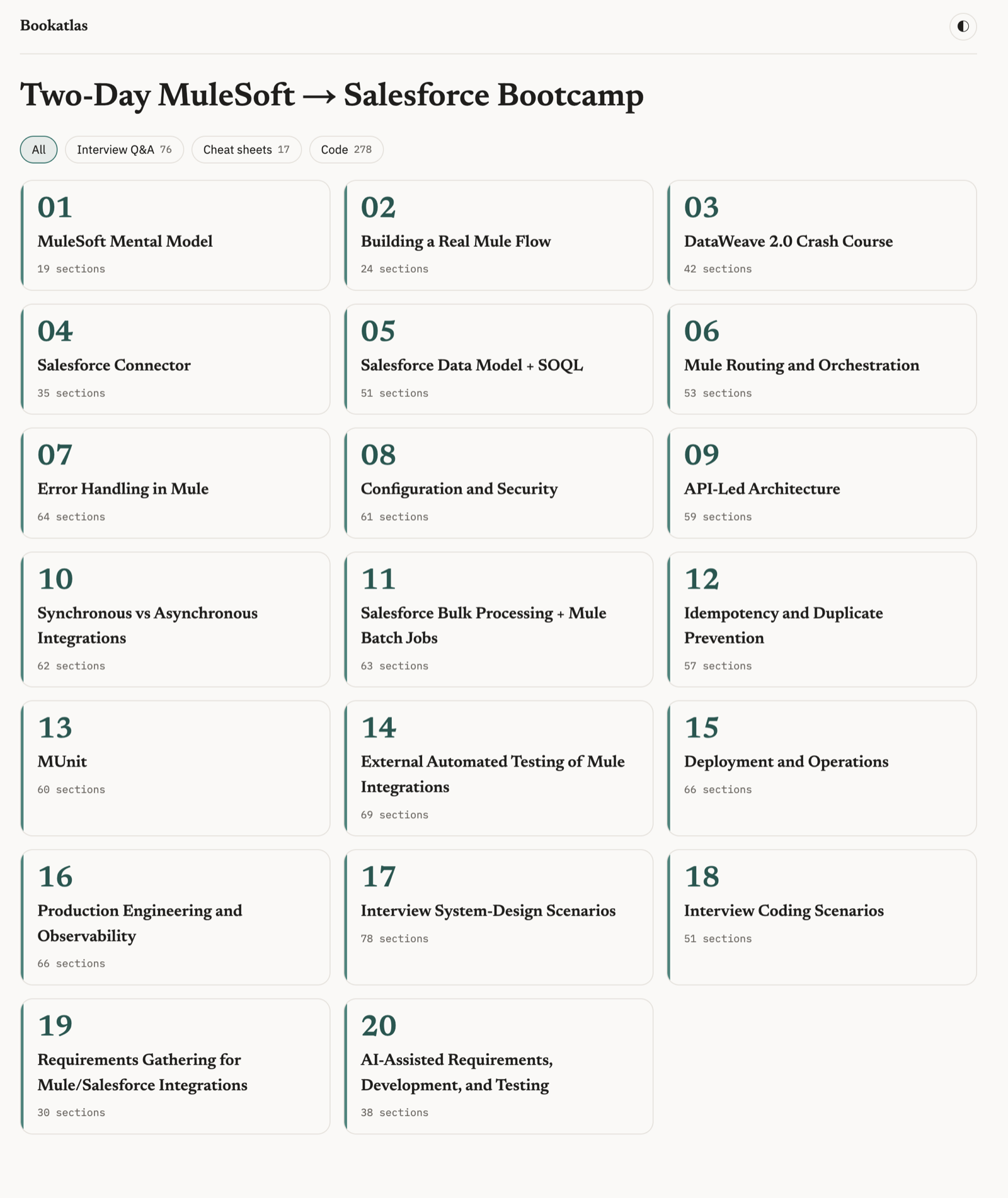
The subject is incidental — any folder of markdown gets this treatment. This demo happens to be a 20-module MuleSoft bootcamp, generated in conversation with ChatGPT and rendered straight from its markdown files. Click the book, then a chapter, then any tile. Use ←/→ to read through.
The whole book on one screen
Chapter tiles with section counts and content-type filters — non-matching sections dim but stay in place, so the spatial map survives filtering.
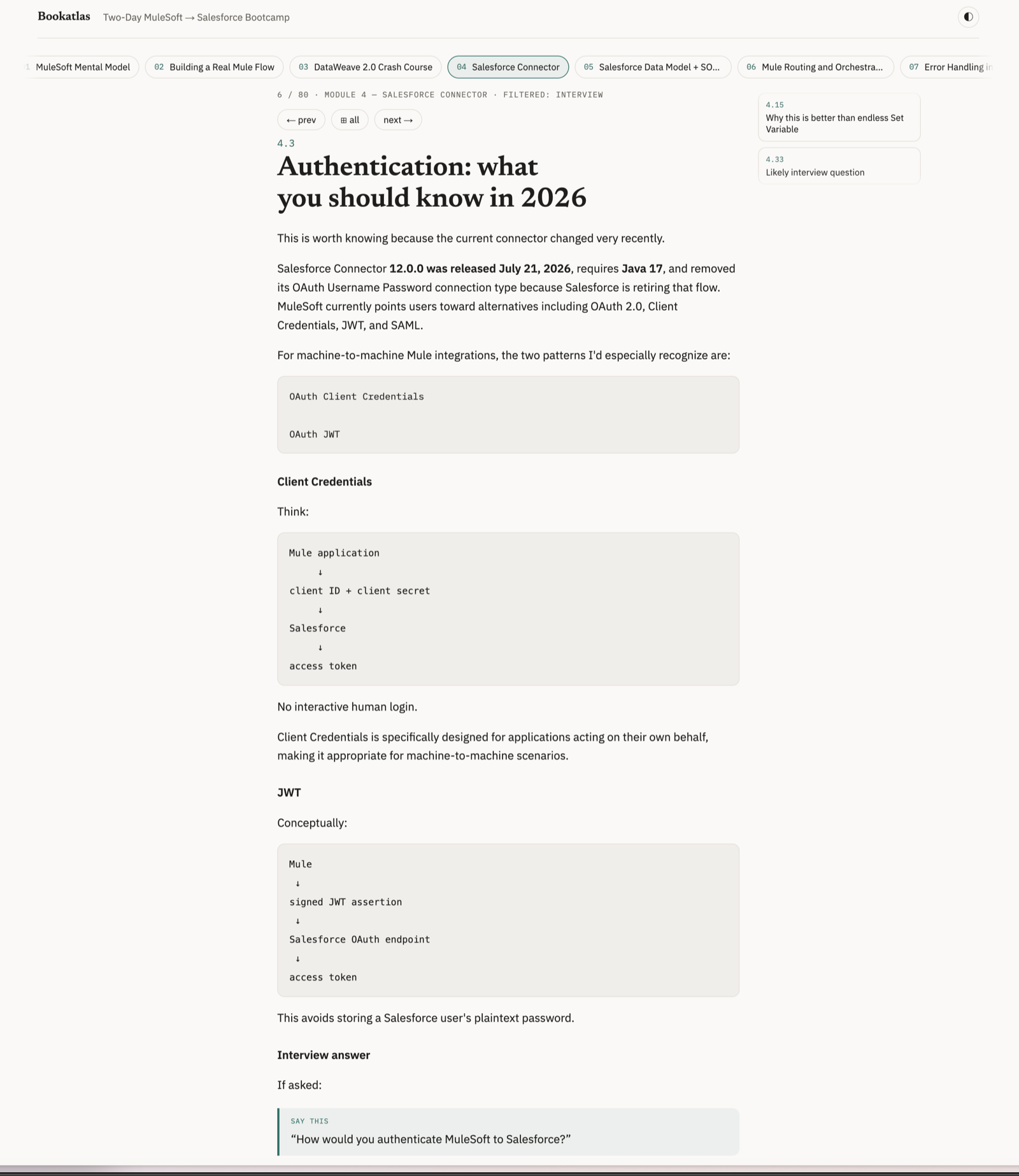
Drill mode
Filter to interview Q&A and read the filtered sequence — prev/next skips to the nearest matching section, across chapter boundaries.
Run it on your own books
git clone https://github.com/earlyadopter/bookatlas.git
cd bookatlas
pnpm install && pnpm dev
# point books.config.json at any folder of .md files
Two parsing profiles, auto-applied: folders of chapter files (LLM-conversation exports, where heading depth lies) and single-file books with Chapter N headings. How to make book files from an LLM conversation →